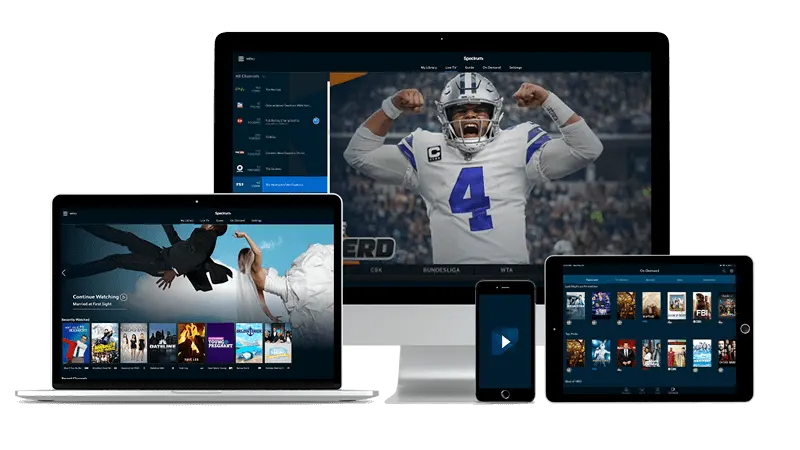
IPTV Balkans Setup Guide: Install on Any Screen
This IPTV Balkans installation walkthrough covers every supported screen, from sticks and smart sets to phones, boxes and laptops. Your access data reaches your inbox roughly a quarter of an hour after payment, and each path below takes about ten to twenty minutes. Three proven players do the heavy lifting: TiviMate for Android hardware, IBO Player for Samsung and LG sets, and IPTV Smarters Pro for phones, tablets, Apple hardware and computers.
- Quarter-hour delivery to your inbox
- 7 paths for sticks, sets and phones
- 3 players with step-by-step sign-in
IPTV Balkans install paths at a glance
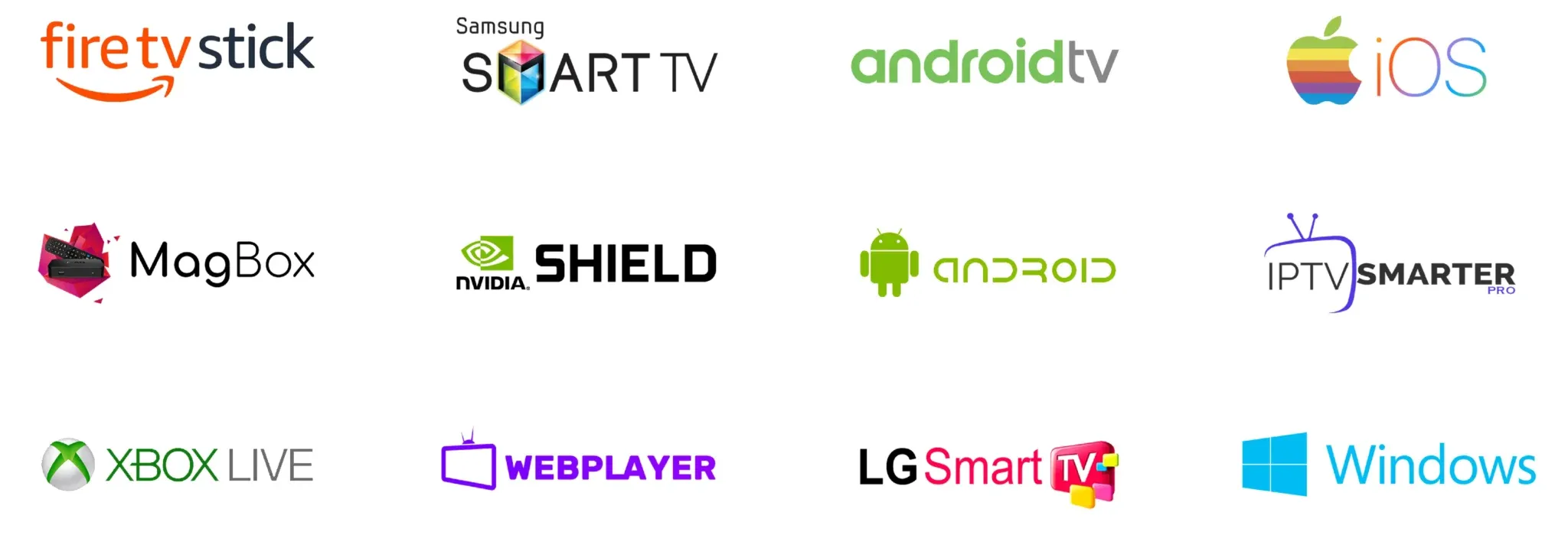
Jump straight to your hardware. Each IPTV Balkans path below uses the same inbox data, only the player and the menu names change. Read the login section first if you just ordered, then follow one device path from start to finish.
- Login data: what your message holds
- Amazon stick path
- Samsung and LG set path
- Android television and box path
- Apple television and phone path
- Android phone and tablet path
- Classic box portal path
- Windows and Mac path
- Four quick fixes when a step stalls
- Plan runtimes and checkout
IPTV Balkans login data: what lands in your inbox
Payment clears in seconds through the secure checkout. Your personal access message then reaches your inbox roughly a quarter of an hour later, day or night. Open it on the phone you will set up first, and keep it starred until every screen in the house runs.
The message holds three ways to sign in, and you need only one per player. The M3U playlist link loads the full guide in one paste and suits most smart sets and desktop players. Xtream Codes data splits the same access into three fields: a server address, a username and a password, which TiviMate and IPTV Smarters Pro prefer. Classic boxes use a portal address plus your box hardware address, which the MAG section below explains field by field.
Two extra lines matter. The television guide file fills program names and start times for the coming days, so accept the guide download when your player offers it. The support address support@iptv-balkans.com answers around the clock, usually within the hour, when a line fails or a portal refuses to load.
If nothing arrives, check spam and promotions folders first, then search your mailbox for the sender name from the checkout receipt. Still empty after an hour? Write to the support address from your purchase mailbox and state your purchase mailbox, your hardware model and your player title, and the team resends your access in one pass. Never share your line publicly, because each line is personal and simultaneous abuse can lock it.
IPTV Balkans on Fire TV Stick
The Amazon stick remains the fastest IPTV Balkans route to the living room. TiviMate serves experienced viewers best here, while IPTV Smarters Pro suits first-time setup with its large buttons. Both players sign in with the same Xtream data from your inbox.
- Open your stick, go to Find, then Search, and install the free Downloader utility.
- Open Settings, My Fire TV, Developer options, and allow installs from unknown sources for Downloader.
- Launch Downloader and fetch TiviMate or IPTV Smarters Pro from its official download code shown inside each player homepage on another screen.
- Install the player, open it, and accept storage permission so it can cache the guide.
- Choose Xtream Codes login, then type the server address, username and password exactly as printed in your access message.
- Confirm, wait two to five minutes while 50,000+ live entries plus 200,000+ on-demand titles index, then allow the guide download.
- Open Settings inside the player, create a favourites group for home news, derby channels and kids, and pin it to the top.
Tip for smooth derby nights: wire the stick with an Ethernet adapter when the router sits far away, and aim for at least 20 Mbps per 4K screen. Restart the stick once after the first guide load, and later loads finish in seconds.
IPTV Balkans on Samsung and LG smart TVs
Samsung and LG sets play IPTV Balkans without any extra box. IBO Player leads here because both stores carry it and its remote-friendly layout suits big screens. Where listed in your store region, IPTV Smarters Pro works as a strong second choice with the same inbox data.
- Open the app store on your set and install IBO Player.
- Launch IBO Player and write down the device key and hardware address shown on the welcome screen.
- On your phone or laptop, open the player companion page whose address appears inside the app, enter the device key, and paste your M3U playlist link.
- Confirm the upload, accept the on-screen activation prompt if your trial asks for it, then restart the television app.
- Wait for the guide to index, then sort countries: pin Slovenia, Croatia, Serbia, Bosnia and Herzegovina, Montenegro, North Macedonia, Kosovo and Albania bouquets first.
- Optional second route: install IPTV Smarters Pro where your store lists it, pick Xtream login, and paste the server address, username and password instead of the playlist link.
- Lock kids profiles with the set PIN and set audio to original language with subtitles where offered.
Tip for sharp motion: switch the set picture mode to Movie or Filmmaker for evening films, and to Sports or Game for weekend derbies. Turn off extra motion smoothing when 4K feeds stutter, because the raw broadcast signal already runs clean.
IPTV Balkans on Android TV and boxes
Android televisions and dedicated boxes give the richest IPTV Balkans experience. TiviMate turns the channel wall into a fast grid with reminders, recording hooks and multi-view. IPTV Smarters Pro covers the same data with simpler menus for guests and kids.
- Open the Play Store on your Android television or box and install TiviMate.
- Launch TiviMate, choose Add playlist, then Xtream Codes, and keep the playlist name short, for example Home.
- Type the server address, username and password from your access message, character by character.
- Confirm, include the guide when asked, and let the first index finish without pressing Back.
- Open Settings, Television guide, and set guide refresh to every 24 hours plus a two-day cache.
- Build favourites: one group for daily news, one for weekend sport, one for films, one for kids.
- Enable auto frame rate where your box supports it, so films and derbies each play at native motion.
Tip for multi-room homes: sign in with the same data on each Android box, then rename each device inside TiviMate settings. Profiles stay separate while the bill stays single, and reminders set in the bedroom do not disturb the living room.
IPTV Balkans on Apple TV, iPhone and iPad
Apple screens run IPTV Balkans through IPTV Smarters Pro from the App Store. The same sign-in works on the big Apple TV box and on portable iPhones and iPads, so derbies start on the sofa and finish on the train. IBO Player for Apple TV suits viewers who prefer the playlist-link route.
- Open the App Store on each Apple screen and install IPTV Smarters Pro.
- Launch the app, accept the terms, and choose Login with Xtream Codes API.
- Enter any profile name, then the server address, username and password from your inbox.
- Tap Add User, wait for the channel, film and series counters to finish, then tap Install EPG when offered.
- On Apple TV, map your most-watched bouquets to the top row and enable subtitles by default.
- On iPhone and iPad, allow downloads on Wi-Fi only, set playback to Adaptive, and enable Continue Watching sync.
- Test AirPlay once: start a live channel on iPhone, tap Share, then AirPlay to the Apple TV box to confirm the path for guests.
Tip for travellers: preload two films over hotel Wi-Fi before a flight, because offline copies ignore weak cabin networks. Keep mobile playback at 1080p on cellular and reserve 4K for Wi-Fi to protect your data plan.
IPTV Balkans on Android phones and tablets
Android phones carry the full IPTV Balkans guide in a pocket. IPTV Smarters Pro leads for touch control, while TiviMate mobile suits viewers who already know its television layout. Both use the identical Xtream sign-in, so pick the one whose buttons feel larger to you.
- Open the Play Store and install IPTV Smarters Pro or TiviMate.
- Connect to Wi-Fi for the first load, because the initial guide index moves a large catalogue.
- Open the player, choose Xtream Codes login, and paste the server address, username and password.
- Confirm and wait for channels, films and series to index, then accept the guide download.
- Set stream format to Adaptive and hardware decoding to Auto for smooth switching between Wi-Fi and mobile data.
- Create a data-friendly profile: 1080p on mobile data, 4K on Wi-Fi, downloads only on Wi-Fi.
- Turn on the parental lock and hide adult and purchase rows before handing the tablet to kids.
Tip for commuters: mark weekend fixtures with reminders inside the player, and the phone pings you ten minutes before kickoff. Pair a compact Bluetooth speaker for terraces and kitchens where phone speakers sound thin.
IPTV Balkans on MAG boxes
MAG units zap like classic cable and suit viewers who want a remote with number keys. IPTV Balkans feeds them through the portal address from your access message. No app store is needed, only the box menus and a reboot.
- Connect your MAG to power, HDMI and network cable, then power it on.
- When the loader appears, open Settings, then System settings, then Servers, then Portals.
- In Portal 1 name type a short label such as Home, and in Portal 1 URL paste the portal address from your inbox exactly.
- Leave other portal rows empty, press OK or the red save button, then go back and open Network to confirm Connected status.
- Reboot the box from Settings or by power cycle, and wait two to four minutes while the portal loads channels, films and replay.
- Open the guide, sort bouquets by country, and assign number keys 1 to 9 to daily news and derby channels.
- If the box shows a hardware address error, copy the address from the box sticker screen and send it to the support address so the team can bind your line.
Tip for stability: keep the MAG on cable rather than Wi-Fi when possible, because wired boxes hold 4K motion better through storms. Update firmware once a year from the box System menu, and never reset to factory without saving your portal address elsewhere first.
IPTV Balkans on Windows and Mac computers
Laptops and desktops make strong IPTV Balkans screens for second-screen nights: match on the monitor, stats beside it. IPTV Smarters Pro ships a desktop build for both Windows and Mac, and any mature desktop player that opens M3U links works with the same data.
- Install IPTV Smarters Pro for Windows or Mac from its official desktop release, or open your preferred desktop player.
- Launch the player and choose Xtream Codes login with the server address, username and password, or paste the M3U playlist link where the player asks for a playlist URL.
- Confirm, allow the guide to download, and wait until channel logos finish filling.
- Set video output to Direct or Auto, audio to Stereo for laptops and Pass-through for home cinema receivers.
- Pin daily bouquets to favourites and assign keyboard shortcuts for guide, mute and fullscreen.
- Test fullscreen on a live channel and a film, then check CPU load: close background recorders when fans spin loud.
- Bookmark the support address in your mail client so help sits one click away during late matches.
Tip for home offices: run the match in a compact window beside work chat during the day, then switch to fullscreen with surround output at night. A 20 Mbps wired link covers 4K on the monitor while video calls continue on the laptop.
IPTV Balkans setup help: four quick fixes
Guide loads empty after sign-in with IPTV Balkans?
Wait five full minutes first, because the first index pulls tens of thousands of entries. Then force-close the player, reopen it, and manually refresh the guide from player settings. When rows still stay empty, re-paste the playlist link or Xtream data without extra spaces, because a single trailing blank breaks authentication.
Player rejects my IPTV Balkans username or password?
Copy each field directly from the original access message instead of typing it, since similar characters cause most failures. Confirm the server address starts with http and ends with the port shown in your message. When three careful pastes still fail, write to the support address from your purchase mailbox with your hardware model and player title for a fresh line.
Picture freezes during evening derbies on IPTV Balkans?
Test speed on the same screen and aim for 20 Mbps for 4K and 10 Mbps for high definition. Move the stick or box closer to the router or switch to cable, close background downloads, and lower one step from 4K to high definition for a half to confirm the route. Evening congestion clears when hardware decoding is set to Auto and only one screen streams 4K at a time.
Sound or subtitles miss on films with IPTV Balkans?
Open the on-screen audio menu during playback and cycle tracks until the original language appears, then pick your subtitle line separately. In player settings set audio to Stereo on phones and laptops and to Pass-through on receivers. When a film still stays mute, try the same title in IPTV Smarters Pro or IBO Player, because each decoder handles rare tracks slightly differently.
IPTV Balkans plans: pick your runtime
Every IPTV package below opens the full catalogue: all live channels, the whole film library and the week-long replay. Full plan comparison lives on the home page pricing. Choose a runtime, tap its button, and your access message follows shortly after payment.
3 Months
39,95 €
13,32 €/month
A short trial through the season start.
- 50,000+ live channels
- 200,000+ films and series
- 7-day replay included
- 4K and 8K picture
- Email help, day and night
6 Months
59,95 €
9,99 €/month
Half a season of derbies and series.
- 50,000+ live channels
- 200,000+ films and series
- 7-day replay included
- 4K and 8K picture
- Email help, day and night
12 Months
79,95 €
6,66 €/month
A full year of every channel.
- 50,000+ live channels
- 200,000+ films and series
- 7-day replay included
- 4K and 8K picture
- Email help, day and night
24 Months
129,95 €
5,41 €/month
Two full years at the best monthly rate.
- 50,000+ live channels
- 200,000+ films and series
- 7-day replay included
- 4K and 8K picture
- Email help, day and night
Get IPTV Balkans tonight and finish setup before kickoff
Order now, watch your inbox, and follow one path above. Most viewers move from checkout to first channel in less time than a half-time break. Start with the yearly route and keep every screen ready for the weekend.